
How do I connect Best Bike Split to my Wahoo ELEMNT?
NOTICE: The new ELEMNT ACE, BOLT 3 and ROAM 3 are not currently compatible with our Power Courses. Please submit a support ticket to Wahoo requesting that they update the firmware to allow BBS compatibility on these devices.
Open the ELEMNT app on your mobile device
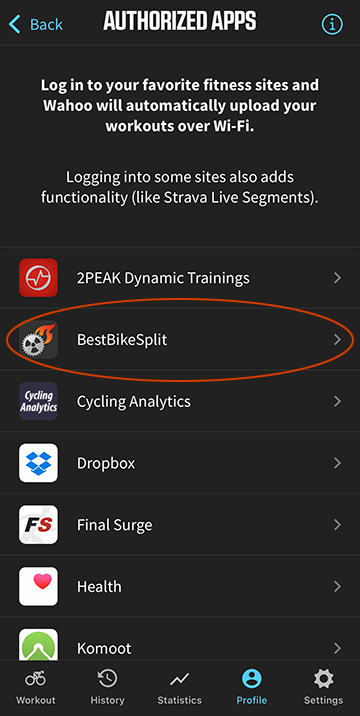
Under Profile select Authorized Apps
Select Best Bike Split
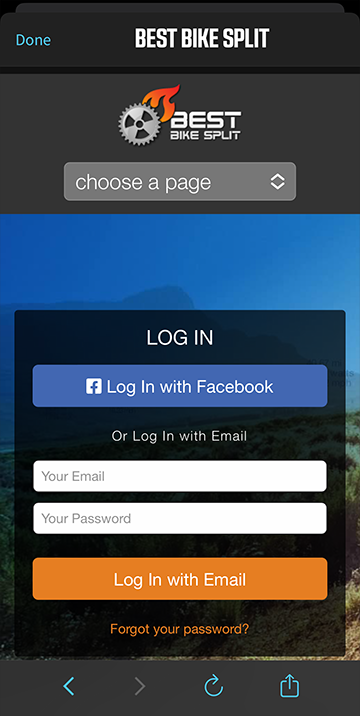
Enter your Best Bike Split email and password
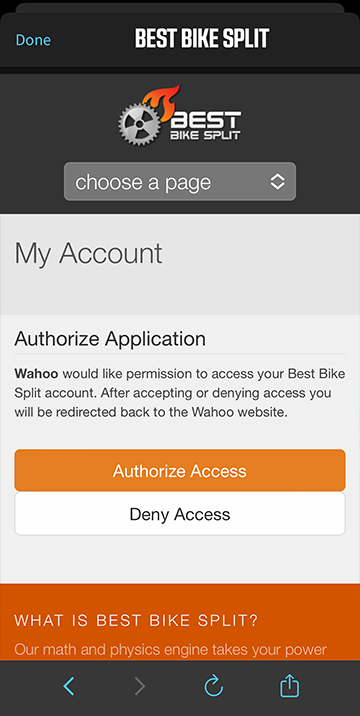
Select Authorize Account
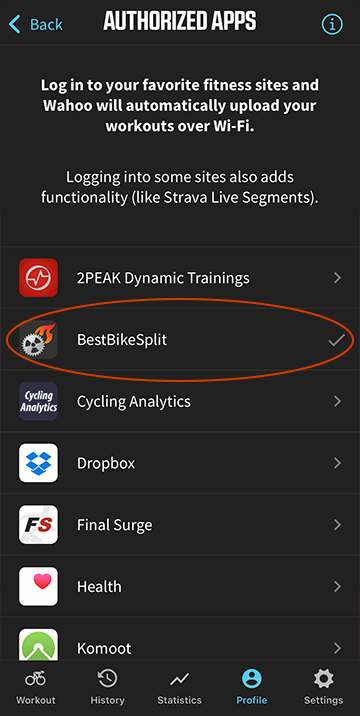
Your account is now linked and BBS Races and Courses will be synced to the ELEMNT once connected to the app via wifi
See the Wahoo help page for more information.