How do you load the app and activate a race plan on Karoo?
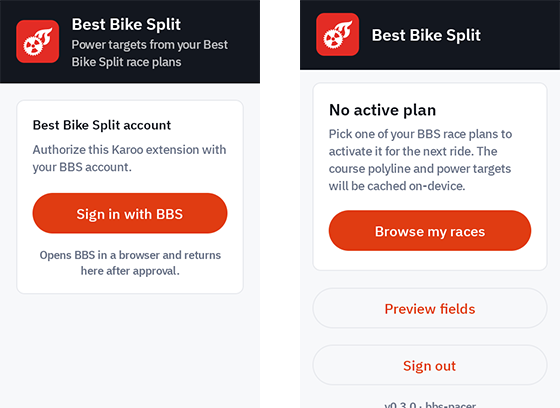
Connect your Karoo to the internet, then open Apps → Extensions from the home screen. Select Best Bike Split and tap Install. Once installed, open the app, choose Sign in with BBS, and authorize your account. Tap Browse My Races and select the race plan you want to use.
If no plan is active yet, the home screen prompts them to browse your BBS races.
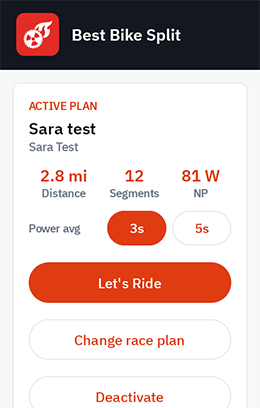
Once a plan is active, the app shows the plan summary, the selected 3s/5s power averaging option, and ride actions.